
Australian Veterans
Your claim, one step at a time.
Keep your DVA claim file on your phone, know what comes next in plain English, and hand it all over when you are ready.
Free download · iOS · No account needed
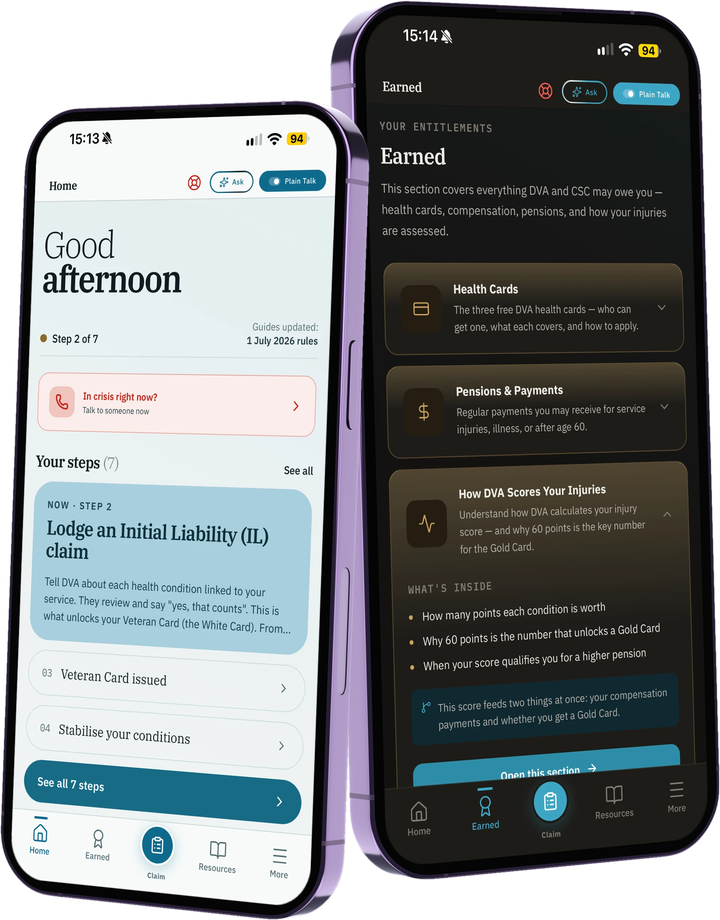
Keep your DVA claim file on your phone, know what comes next in plain English, and hand it all over when you are ready.
You served your country. The paperwork shouldn't be the battle.
ExitBrief keeps the whole claim in one place: what you have, what you are waiting on, and what DVA needs next. It never asks for your myGov or MyService login, and it takes no cut of anything you are awarded.
Built for the long middle of a claim, when you are waiting on doctors, letters and decisions and the paperwork piles up.
One tap to Emergency, Lifeline and Open Arms from every screen. Never buried in a menu.
Your conditions, a dated timeline, and who you are waiting on, in one place. Names only, no medical detail stored.
Seven plain-English steps, checked against DVA's own pages and marked with the date they were checked. Always your own letter first.
Note what you have asked for and who from. See how many days it has been and send a polite follow-up in one tap.
Guides for when DVA decides, asks for more information, or you cannot work, including a helper that works out your review window.
Share a ready-made request for each condition that asks for what DVA asks of a diagnosis. It never tells the doctor what to conclude.
One summary of your conditions, timeline, waiting list and documents to send to your advocate or keep for yourself.
Keep your records against each step, on your phone. Export any file whenever you need it.
Switch it on and the acronyms become plain English. Off by default, one tap in the header.
Dark by default, light when you want it. Big type and one idea per screen.
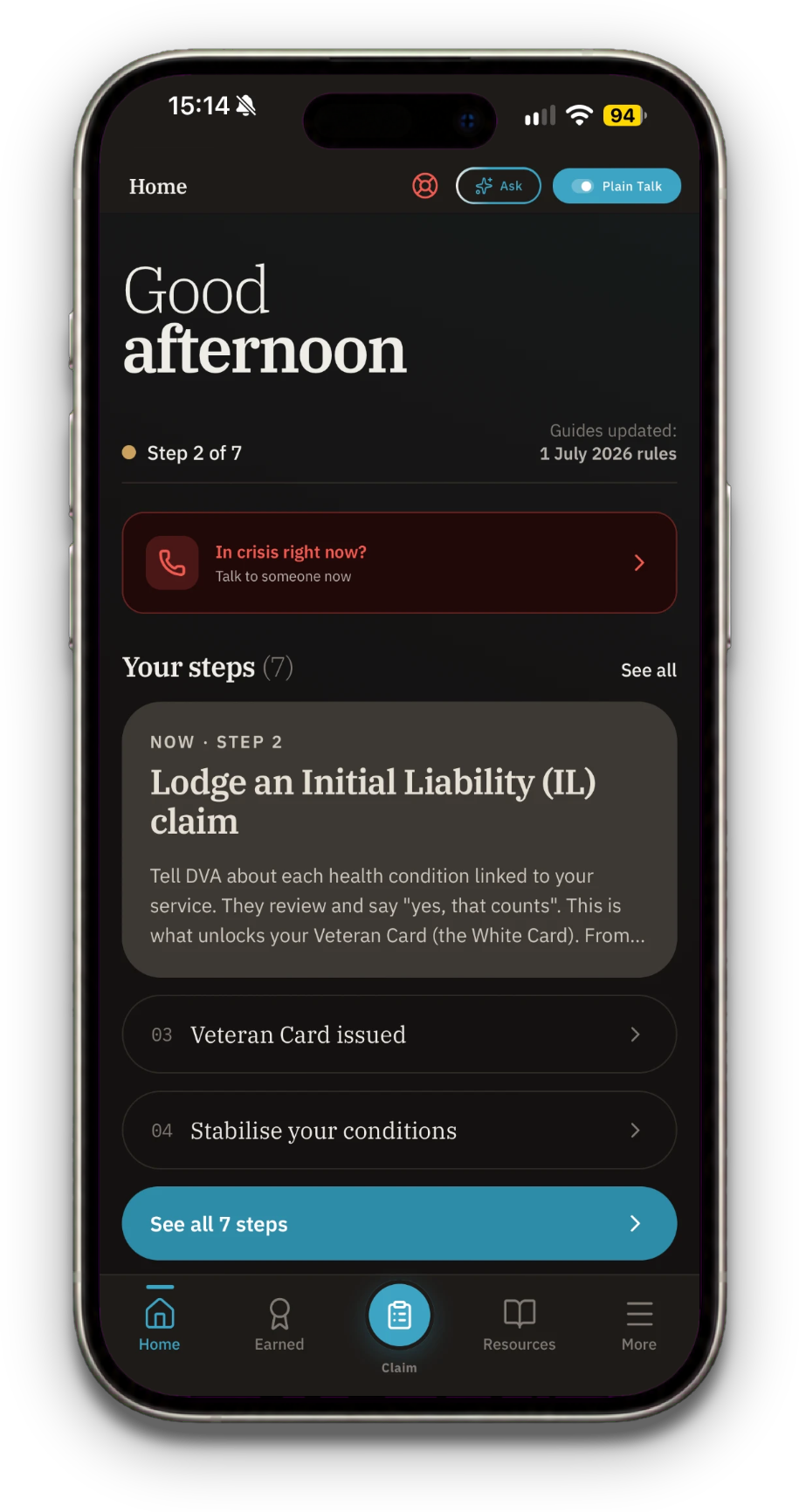
Where you are in your claim and the next step. The crisis line is always one tap away.
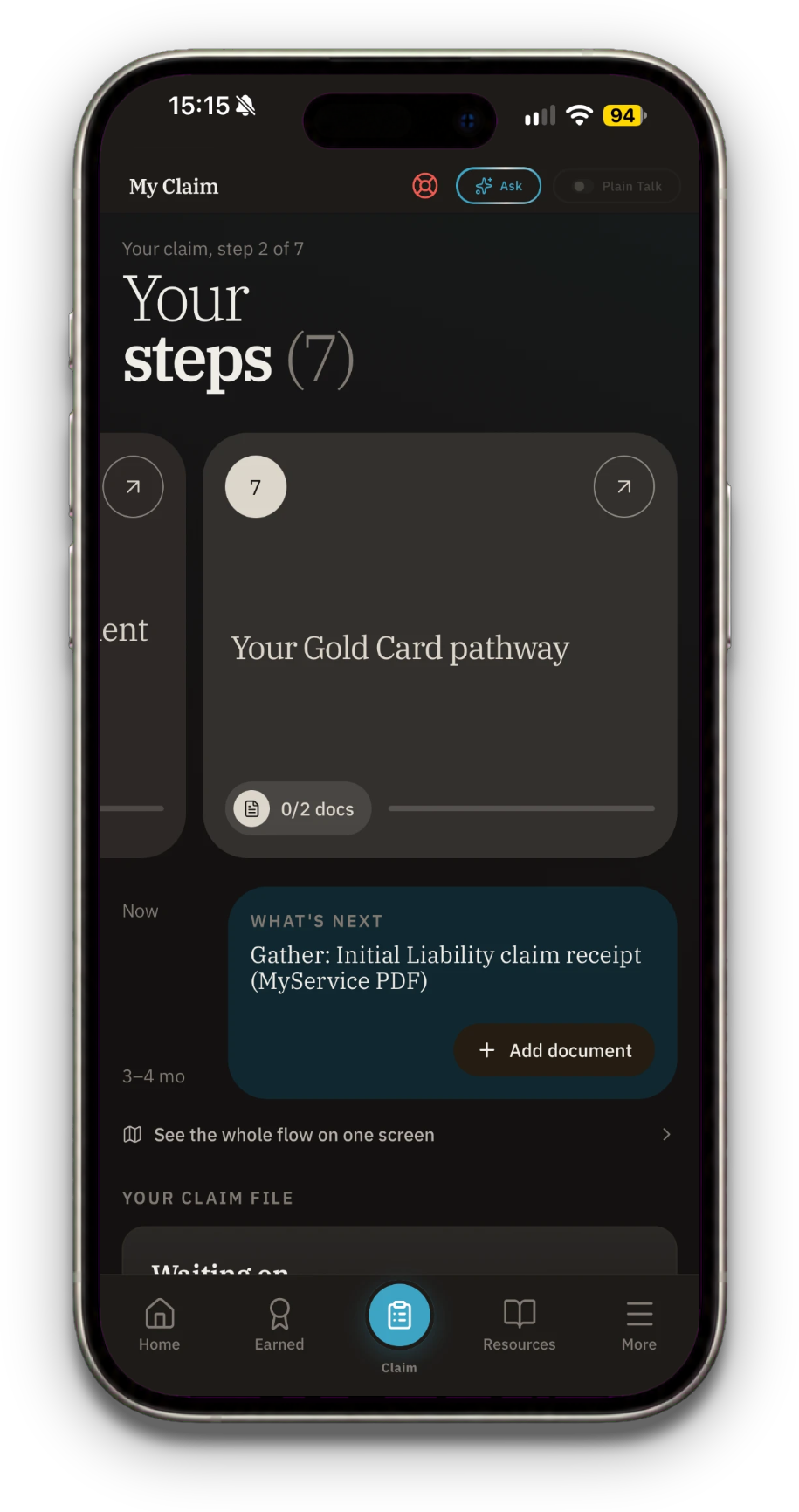
Your seven steps, what to gather next, and your claim file underneath.
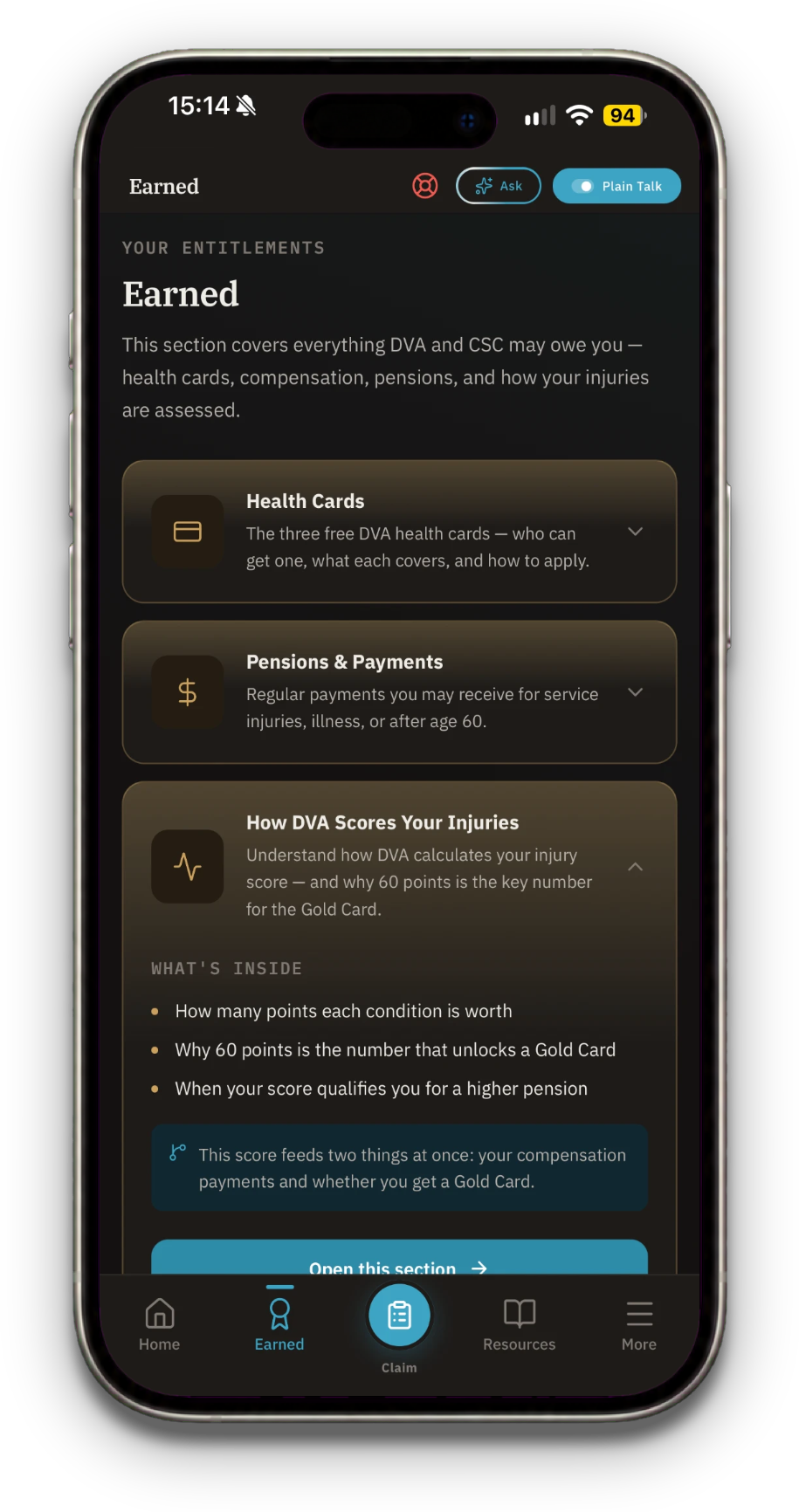
What the health cards, pensions and payments are, explained plainly.
A complete plain-English breakdown of Australian DVA entitlements, from day one of discharge through to long-term compensation.
ExitBrief is built for veterans, not for advertising. The guides and the crisis numbers are free, and your claim file is yours.
The guides, your claim file and the crisis numbers are free. No catch, no trial.
Open the app and use it. No sign-up, no email address, no password to forget.
Your claim file and documents are stored on your device, not on a server we run. Your phone's own backup can keep a copy.
No ads, no tracking, no referral schemes and no commission on anything you are awarded.
Download ExitBrief and keep your whole claim in one place.
Download on the App Store